October 10, 2026
Aux Battles Is Now on Discord (and itch.io and Game Jolt)
By Emilis
Aux Battles now runs as a Discord Activity. Open it from the Activities launcher in a voice call or chat, and everyone who opens it lands in the same game under their Discord name, with no room code to type. Songs play as 30-second previews. It's also on itch.io and Game Jolt.
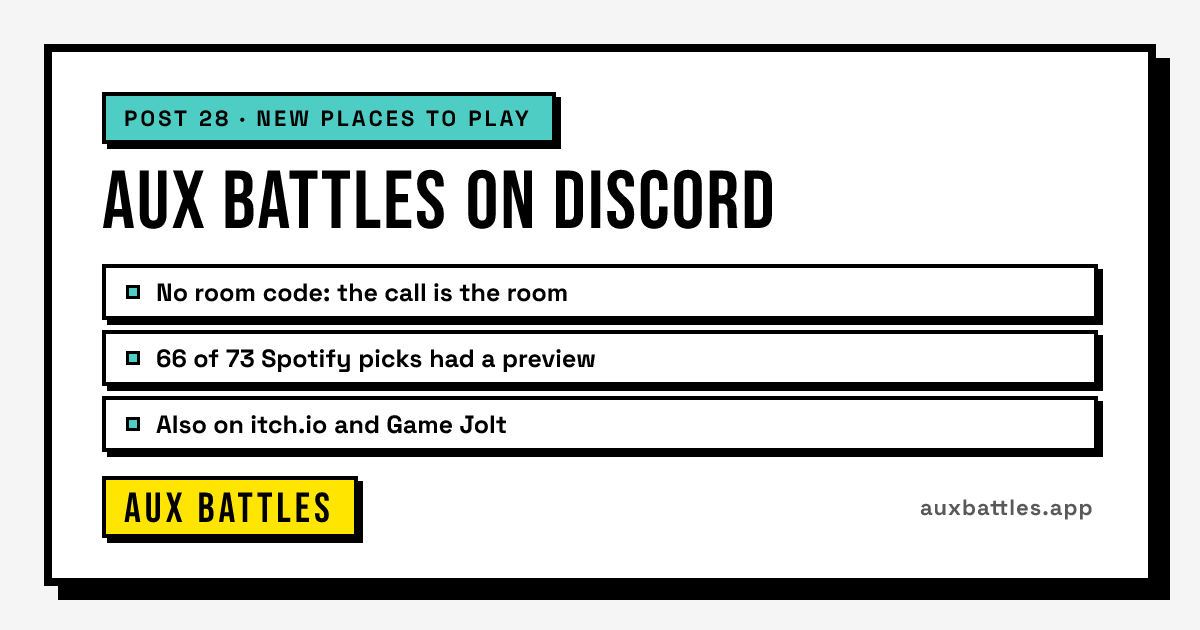
On October 9 Aux Battles went live in three new places: as an Activity inside Discord, and as a playable page on itch.io and on Game Jolt. The last two took an afternoon. Discord took a lot longer, and it's the one this post is mostly about, because it's the place this game always made the most sense.
Here's how a game usually starts. Somebody's in a call, somebody says "okay, best song for a road trip, go", and someone else has to paste a room code into the chat so everyone can find the game. On Discord the call already knows who's there, so the game can skip all of that. Every number below was pulled on October 10, 2026, after the first night.
How do you play Aux Battles on Discord?
Start it from the Activities launcher in any voice channel, DM or group chat, and everyone who opens it there joins the same game. It's free and nobody needs a Spotify account. You can also find it on its Discord App Directory page. Step by step:
- Join a voice channel, or open a DM or group chat.
- Open the Activities launcher and pick Aux Battles.
- The first time, Discord asks whether Aux Battles may see your name and avatar. Say yes and you are in the lobby under your Discord name.
- Friends open the same Activity and drop straight into your lobby. Whoever starts it first is the host and picks the settings.
- Play as normal: pick a prompt, everyone picks a song, rate each one from half a star to five, highest total wins. The how to play guide has the full rules.
Someone who opens it halfway through a game still gets a seat in that game, so a friend who joins the call late doesn't have to wait for the next one.
What is different from the website version?
The game is the same one: same prompts, same wheel, same scoring. What changes is everything around it, because Discord already handles who is playing and how you invite people.
| What | Website | Discord Activity |
|---|---|---|
| Joining | Type a 4-letter room code and a name | Open the Activity in the call, your Discord name and avatar |
| Music | Full tracks from Spotify, YouTube or SoundCloud, or a 30-second preview | 30-second previews from Deezer |
| Inviting | Copy the join link | Discord's own invite button |
| Results | Download or share the results image | Post the results image to the channel |
| Host leaves | The host keeps the controls | Controls pass to the next player after 20 seconds |
| After the final | Start a new room | "Play again" keeps everyone and the same settings |
There's one more change you only notice on a laptop. A Discord call puts the Activity in a short window, often 600 to 800 pixels tall, and the game was laid out for a phone held upright or a full browser tab. So inside Discord everything shrinks a little to fit, and the song, the stars and the Next button sit on one screen without scrolling.
Why does Discord only play 30-second previews?
Because Discord doesn't let an outside Activity load the Spotify, YouTube or SoundCloud players. An Activity can only show pages from its own address, and those players all load from their own sites. Discord's own Watch Together gets an exception for YouTube; other apps don't.
Spotify previews were the obvious fallback, and they were already gone: Spotify stopped giving previews to apps like this one in November 2024. Deezer still offers them, and Deezer's developer guidelines allow 30-second extracts to reach the listener. So inside Discord, each song plays its Deezer preview, with a credit to Deezer and a link to the full song on Spotify or YouTube under it. Players still search and submit songs exactly like on the website. Deezer only supplies the clip.
My honest read is that 30 seconds is less of a loss than it sounds. In a battle the rating gets decided in the first stretch of the song anyway: you know in ten seconds whether somebody nailed the prompt. What you lose is the long build, and back in the post on our song lists I already suspected nobody in a battle waits for a build.
How often does a song have a preview?
Nine Spotify picks in ten have one. On the first night, 66 of the 73 different Spotify songs looked up had a Deezer preview. None of the 8 YouTube links did.
| Picked from | Songs looked up | Had a preview | Share |
|---|---|---|---|
| Spotify | 73 | 66 | 90% |
| YouTube | 8 | 0 | 0% |
The YouTube number needs fixing, and I have a guess I haven't proven yet. A preview is only accepted when the title and artist match exactly, so a remix or a live version never plays in place of the song somebody actually picked. A YouTube upload is called something like "Artist - Song (Official Video)", and that probably fails the match far more often than a clean Spotify title does. Eight songs is too few to be sure.
When there's no preview, the song still counts. Its card says so, offers a button to listen outside Discord, and everyone rates it when they come back. Until that's fixed, in Discord, pick from the search results rather than pasting a YouTube link.
What happens when someone leaves the call?
The game carries on without them. People drop out of Discord calls all the time, often without a word, so inside Discord someone who has left the call no longer counts towards "everyone has submitted" or "everyone has rated".
The host is the harder case, because the host's buttons move the game forward. If the host is gone from the call for 20 seconds, their controls pass to whoever has been in the call the longest, and Discord confirms both halves first: the host really left, and the new host is really there. The same 20-second rule covers the person picking the prompt. If they leave mid-pick, the host takes over the pick.
If the old host comes back, they rejoin as an ordinary player and the controls stay where they are.
The bug that sent everyone back to the end screen
"Play again" is my favourite thing in the Discord version. On the website a finished game ends on the results, and starting another means a new room and a new code. In Discord the host presses Play again, and everyone in the call moves into a fresh lobby with the same settings.
On the first night it did something stupid. Everyone moved to the new lobby, it showed for a split second, and then every screen jumped back to the old game's final results. The new room was fine. The old game was simply still loaded while the new one arrived, and the game read the old game's "we are on the final screen" and dutifully sent everybody back there.
It's fixed. A game now only shows the room you are actually in, and never a leftover from the previous one. The fix was done at 2:30 in the morning on October 10, which is how most first nights go.
How has the first night gone?
It works, which is the main thing a first night can tell you. From the evening of October 9 to the early hours of October 10, the Activity was opened 12 times, 8 on desktop and 4 on phones, and 6 games were played to the final screen.
| What | Count |
|---|---|
| Times the Activity was opened | 12 |
| Games played to the end | 6 |
| Songs submitted | 67 |
| Ratings given | 64 |
| Results posted to a channel | 5 of 6 tries |
Two caveats. These counts include the games I played myself while testing, so read them as "it works on desktop and on phones", not as a sign of how many people want it. And the one failed results post was on a phone, and I don't know why yet. The first proper read is on November 9, 30 days in.
Is Aux Battles on itch.io and Game Jolt too?
Yes. Both pages run the same game as the website, framed inside the page: Aux Battles on itch.io and Aux Battles on Game Jolt. Because it's the same game, a room you create there can be joined from auxbattles.app with the same 4-letter code, and the other way round. A friend on the itch.io page and a friend on their phone end up in one lobby.
Inside those pages the game opens on a smaller title screen instead of the full home page, and there's a "Play in a new tab" link at the top in case anything misbehaves inside the frame. Twitch battles are the one thing missing. Twitch sign-in can't open inside another site's page, so streamers still start a Twitch battle on the website.
Why bother with game sites? Because people browse them looking for something to play with friends tonight, and most of them have never heard of an aux battle. It's too early for numbers worth printing on either one.
Which version should you play?
- Already in a Discord call: the Discord Activity. No code, no names to type.
- Same room, or everyone on their phones: the website. Full songs, and nobody needs Discord.
- Streaming: the website, where chat can submit and vote.
- Browsing itch.io or Game Jolt: play it right there and send friends the code.
Next on my list: the YouTube previews, then the results post that failed on a phone. If something breaks for you, the Aux Battles Discord server is the fastest way to tell me, and a good place to try the Activity. Need a prompt to start with? Spin the aux battle wheel.
How this was made: launch, game, song and rating counts are from PostHog for the Discord Activity only, excluding my local test harness but including my own games on Discord. Preview coverage is from the game's preview lookup table, which stores track ids and nothing about players. What Discord shares and stores is on the privacy page